A hard drive can start failing quietly before it stops working completely. If your computer is slower than usual, freezes during simple tasks, makes clicking or grinding sounds, or files begin disappearing, the safest move is to stop using the device and protect the data that is still readable.
Warning Signs Of A Failing Hard Drive
Common signs include repeated crashes, long startup times, strange noises, error messages when opening files, folders that no longer load, overheating, or a drive that disconnects and reconnects by itself. External USB drives can show similar symptoms, especially if they have been dropped, exposed to moisture, or unplugged during file transfers.
What To Do First
- Stop saving new files to the drive.
- Do not run repeated recovery scans if the drive is making unusual noises.
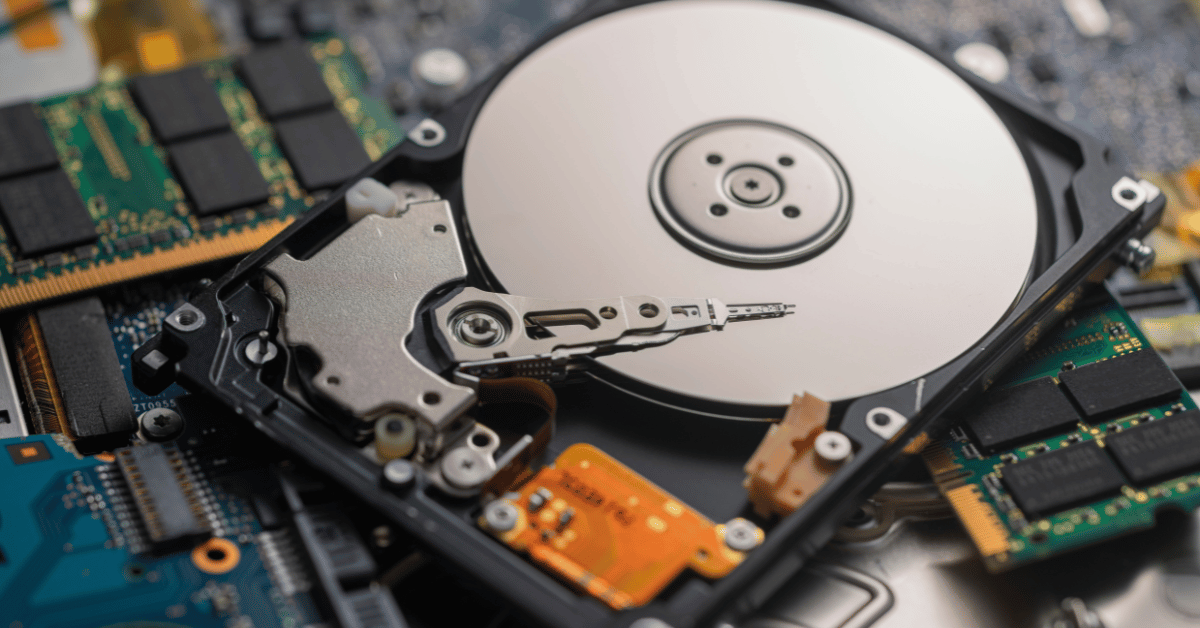
- Avoid opening the drive or attempting physical repair.
- If the drive is still readable, copy the most important files first.
- If business data is involved, document what happened and keep the device powered off until it can be checked.
The goal is to reduce further wear. A failing drive can become harder to recover each time it is powered on, especially when there is mechanical damage or unstable sectors.
When To Get Data Recovery Help
If the data is important, the drive is noisy, the computer will not boot, or the device keeps disconnecting, it is better to get professional guidance before trying more software tools. Dignity New Zealand provides practical data recovery support in New Zealand for hard drives, SSDs, USB drives, SD cards and laptops.
How To Reduce Future Risk
After recovering or replacing a drive, set up a backup routine that includes more than one location. For small businesses, a mix of local backup, cloud backup and regular checks can reduce downtime and make recovery much easier. Dignity also supports backup planning, managed IT services and ongoing device support.
Need Help With A Failing Drive?
If your hard drive, SSD or USB drive is showing warning signs, contact Dignity New Zealand before the problem gets worse. Clear next steps early can make a real difference to recovery options.
For customers around Paraparaumu and Kapiti, Dignity New Zealand also provides local computer repairs and IT support alongside data recovery help.