If your computer is slow, crashing, noisy, or no longer keeping up with work, the hardest question is often whether to repair it or replace it. A good decision comes down to cost, reliability, data risk, performance needs, and how important the device is to your day-to-day work.
This guide gives New Zealand customers a practical way to decide before spending money. If you want a technician to check the device first, Dignity New Zealand provides computer and laptop repair, upgrade and troubleshooting services, with local support available for Paraparaumu and Kapiti customers.
When a computer is usually worth repairing
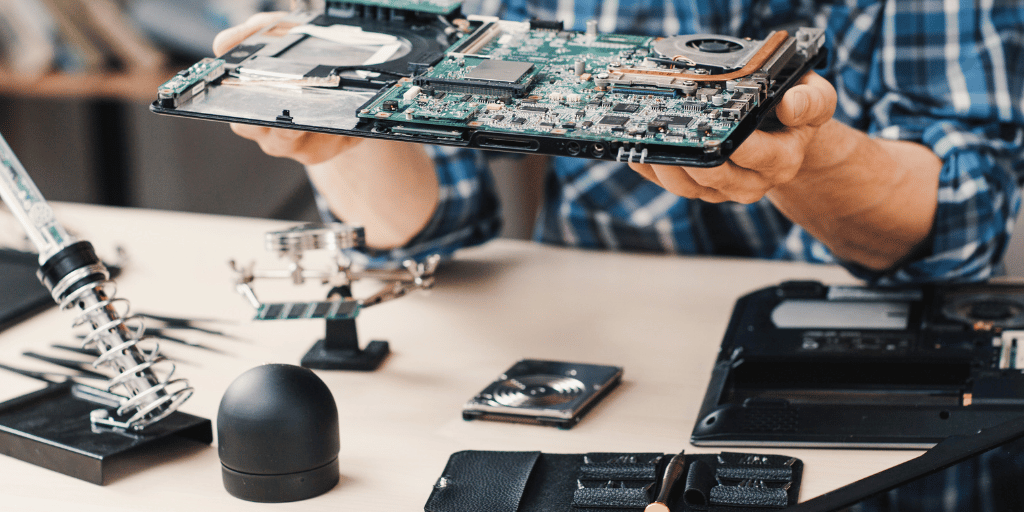
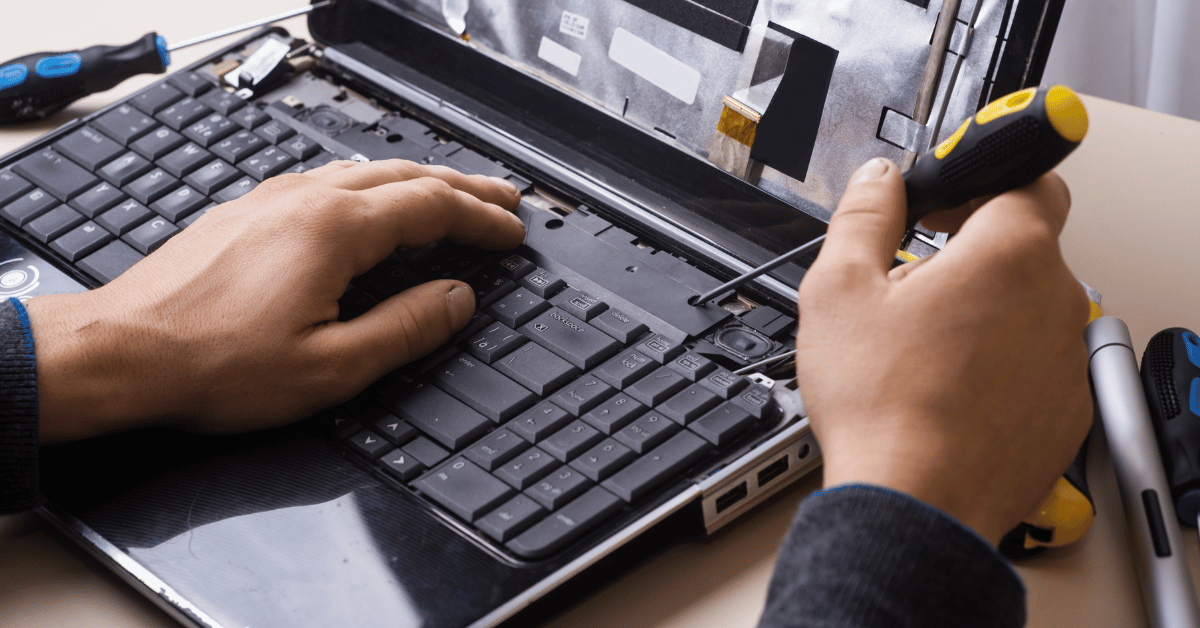
Repair is often the better option when the issue is specific, the device is otherwise reliable, and the total cost is reasonable compared with buying new. Common examples include a failing hard drive, weak battery, broken charging port, software errors, virus issues, overheating, slow startup, or a system that needs more memory or storage.
For many laptops and desktop PCs, targeted repairs or upgrades can add years of useful life. An SSD upgrade, RAM upgrade, system cleanup, or fresh operating system setup can make an older computer feel much faster without the cost of a complete replacement.
When replacement makes more sense
Replacement is usually smarter when the device has multiple faults, is very old, cannot run required software securely, or would cost close to the price of a newer reliable machine. If repairs are likely to continue one after another, replacing the computer can reduce downtime and give better long-term value.
Businesses should also consider productivity. If a slow computer wastes staff time every day, the hidden cost may be higher than the repair bill. In that case, a planned replacement with proper data transfer and setup can be the cleaner decision.
The 50 percent rule
A simple starting point is the 50 percent rule. If the repair cost is less than half the cost of a suitable replacement, repair is often worth considering. If the repair cost is more than half the replacement cost, compare the age of the device, warranty, performance, and risk of future faults before committing.
This rule is not perfect. A high-quality business laptop may still be worth repairing if it has one clear fault. A low-cost older computer may not be worth repairing even if the repair seems affordable.
Protect your data before deciding
Before any repair or replacement decision, think about your files. If the device is making clicking sounds, freezing, failing to start, or showing disk errors, stop using it as much as possible. Continued use can make recovery harder.
Dignity New Zealand can help with data recovery services in New Zealand and hard drive recovery support when a storage device is failing. If your data is important, recovery should come before repair experiments.
Repair, upgrade, or replace: a quick checklist
- Choose repair when the fault is clear, the computer still meets your needs, and the repair cost is sensible.
- Choose upgrade when the machine works but feels slow because of limited memory, old storage, or software clutter.
- Choose replacement when the device is unreliable, unsupported, underpowered, or likely to keep costing money.
- Prioritise data recovery when you hear unusual drive noises, see disk errors, or cannot access important files.
How Dignity New Zealand helps
We assess the computer first, explain the likely cause, and recommend the most sensible option. Sometimes that is a repair. Sometimes it is an upgrade. Sometimes the honest answer is replacement, especially when the long-term cost does not make sense.
Our goal is to help you avoid wasted spend, reduce downtime, and keep your files safe. For a practical assessment, visit our computer repair and upgrade service page or contact Dignity New Zealand on 04 390 0033.
FAQs
Is it cheaper to repair or replace a computer?
Repair is usually cheaper when the fault is isolated and the computer still performs well. Replacement may be better when the device is old, unreliable, or the repair cost is close to the price of a suitable newer machine.
Can an old laptop be made faster?
Yes. Many laptops improve significantly with an SSD upgrade, extra memory, software cleanup, or a fresh setup. A technician can confirm whether the hardware is worth upgrading before you spend money.
Should I repair a computer with a failing hard drive?
First protect the data. If the drive is failing, data recovery or backup should happen before repair. After the data is safe, the drive can often be replaced and the computer restored.
Do you help customers in Paraparaumu and Kapiti?
Yes. Dignity New Zealand provides computer repairs, troubleshooting, data recovery and IT support for Paraparaumu and Kapiti customers, as well as wider New Zealand support.